

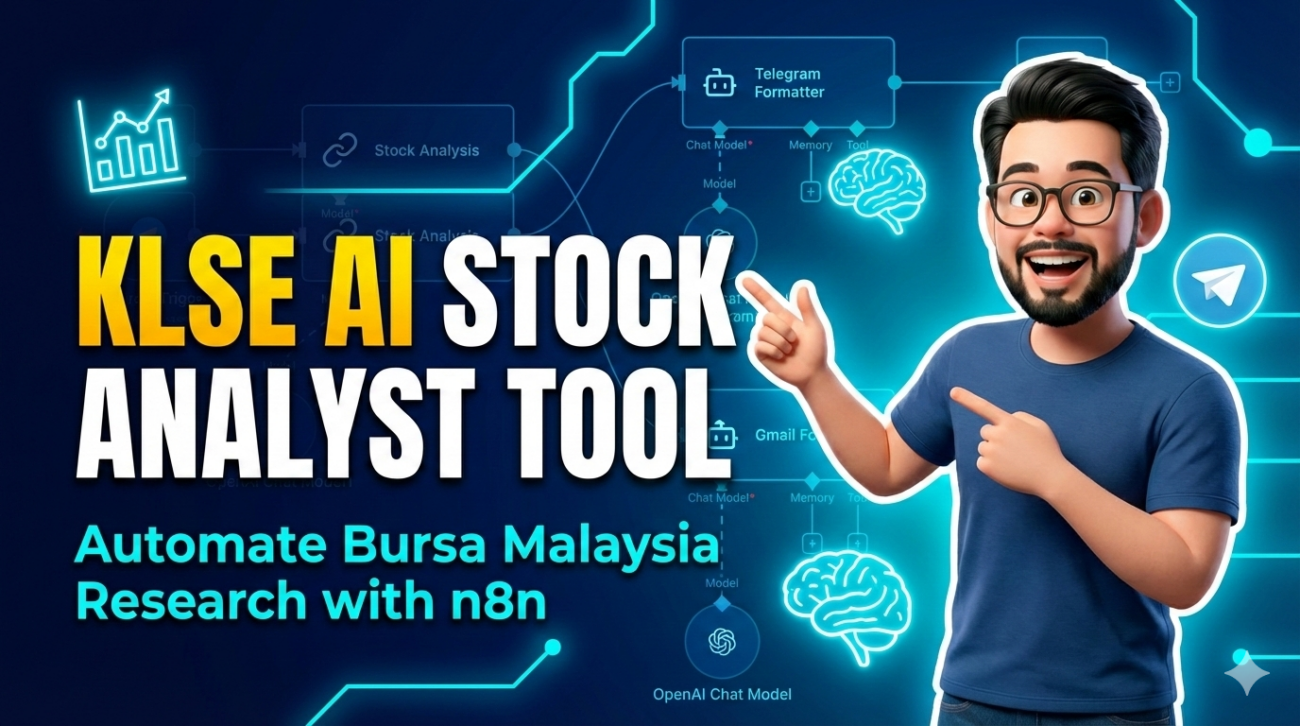
Build Your Own AI Equity Research Assistant for Bursa Malaysia
One of the biggest challenges for any investor is the sheer volume of information. Between quarterly reports, market news, and valuation models, keeping up with stocks on the Bursa Malaysia (KLSE) can feel like a full-time job.
But what if you could have a Equity Research Analyst working for you 24/7?
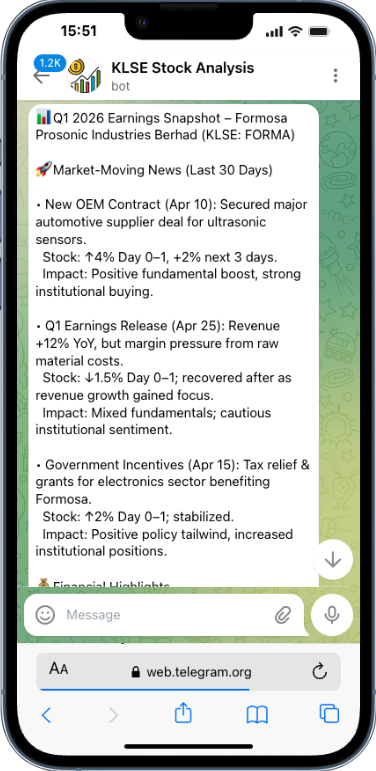
In today’s lesson, I’m sharing the KLSE AI Stock Analysis n8n template. It allows you to send a stock ticker (like MAYBANK or TENAGA) to a Telegram bot and receive a professional, institutional-grade analysis in seconds.
Part 1: What Does This Workflow Actually Do?
Think of this workflow as your personal “Research Department.” It doesn’t just search for data; it reasons through it.
When you send a ticker, the AI:
- Analyzes Market-Moving News: Scans the last 30 days for major events.
- Dissects Financials: Looks at Revenue, EPS, and Cash Flow from the latest 2025-2026 filings.
- Evaluates Strategy: Reads management commentary to see if they are optimistic or cautious.
- Calculates Valuation: Runs a Discounted Cash Flow (DCF) or Peer Comparison model to give you a price target.
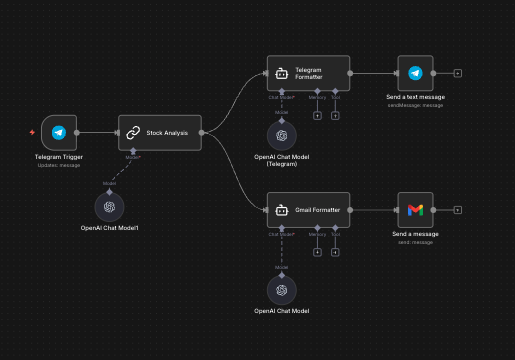
Part 2: Understanding the Architecture
This “Digital Employee” is built using several modular blocks:
- The Trigger: A Telegram bot that listens for your commands.
- The Brain: Uses GPT-4.1-mini with a strict 10-step analytical framework.
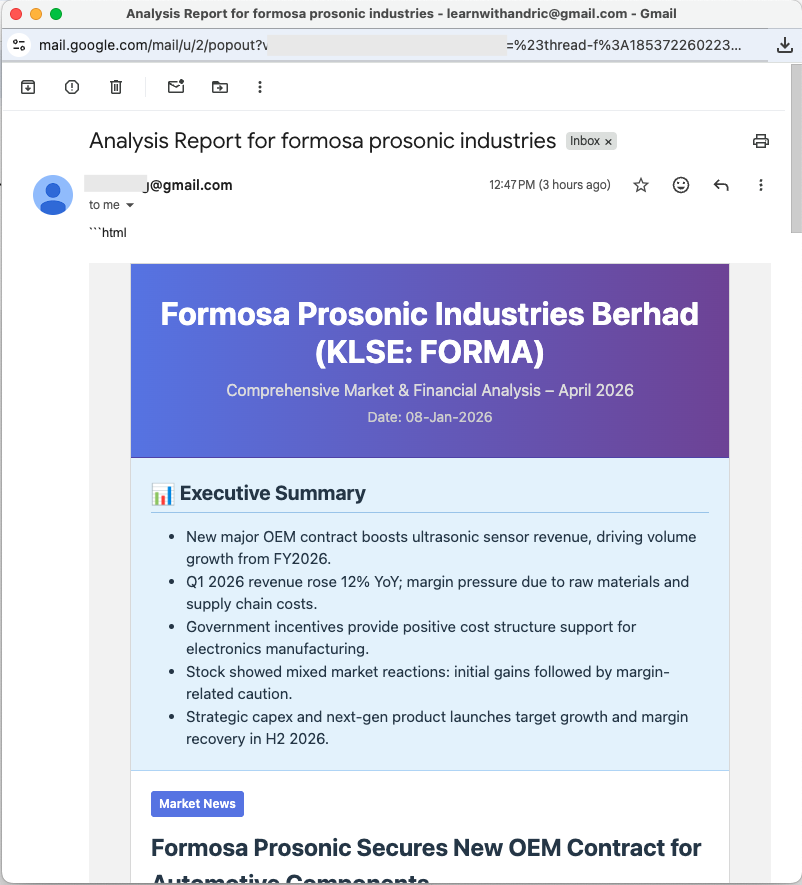
- The Delivery: Dual-output system sending a concise summary to Telegram and a full HTML briefing to your Gmail.
Part 3: Step-by-Step Setup Guide
Ready to build? Use these resources to get your template running:
1. Download the Template
First, grab the official n8n JSON file here:
👉 Download: AI Stock Analysis Template
2. Set Up Your Telegram Bot
You need an “access token” from Telegram to talk to your AI. Follow my video guide here to set up your bot using BotFather:
📺 Video: n8n + Telegram Setup Guide
3. Configure Google API (for Gmail & Drive)
To send newsletters via Gmail, you must set up a Google Cloud Project and OAuth credentials. This is the most technical part, so I made a dedicated tutorial for it:
📺 Video: Master Google API Setup for n8n
Part 4: Data Recency & Accuracy
This template is specifically tuned for 2025 and 2026 data. The AI is instructed to ignore outdated 2024 information. If a company hasn’t reported its latest figures yet, the AI will honestly tell you “Data unavailable” rather than making things up.
Summary: Buying Back Your Time
The goal of LearnWithAndric is to help you “buy back your time.” By automating the first 80% of your research, you can focus on the most important part: Strategy and Decision Making.
👉 Download: AI Stock Analysis Template
Disclaimer: This workflow is for educational purposes only. It is NOT investment advice. Always cross-check AI data with official Bursa Malaysia filings.
